
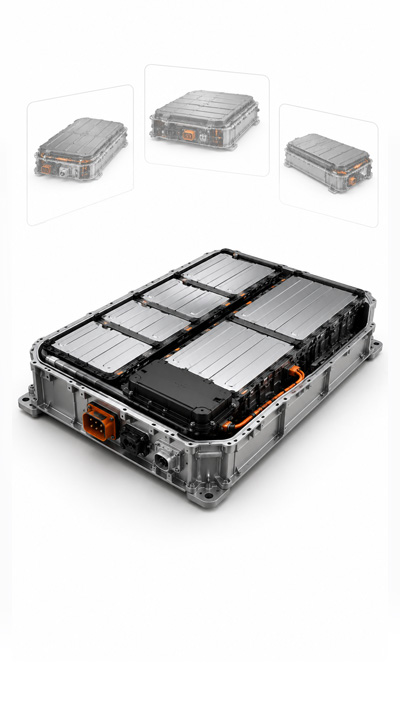
Automotive
Battery packs, powertrains, chassis, body structures, supplier assemblies.
CAD & Engineering
Unlock the full potential of your existing CAD models. Transform them into secure, browser-ready experiences that load fast, protect your intellectual property, and make reviews, collaboration, presentations, and customer interactions effortless.
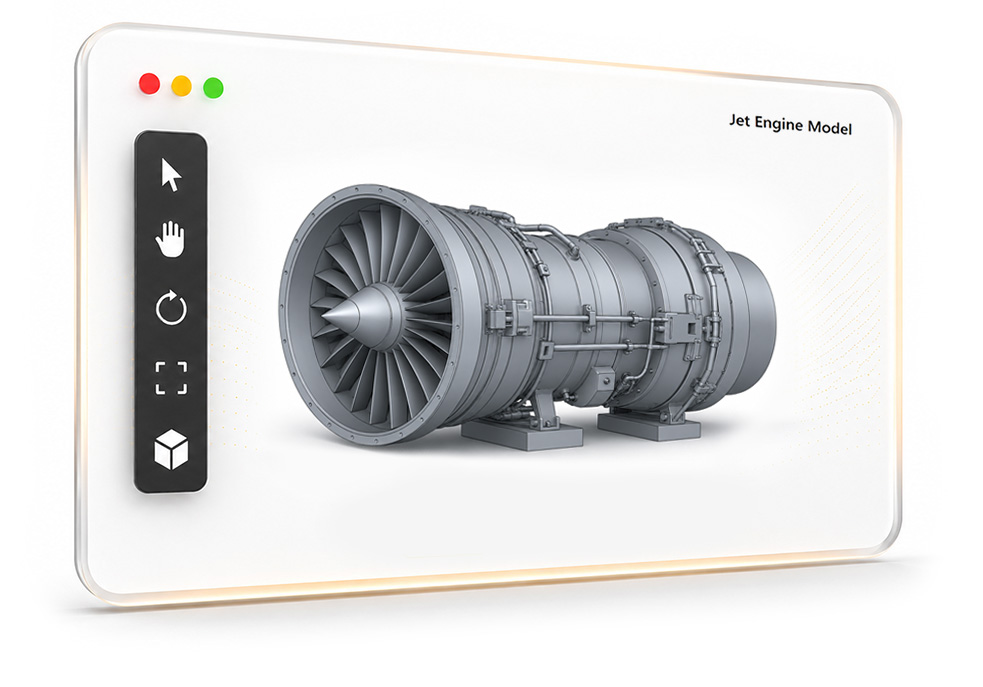
Wherever complex CAD needs review, approval, or client presentation — share interactive 3D in the browser without handing over source geometry.
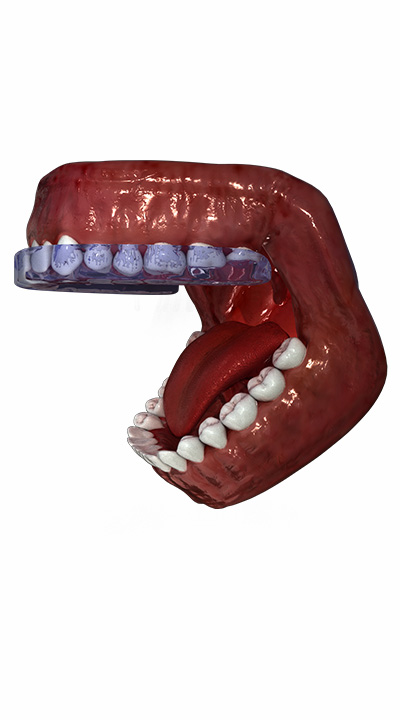
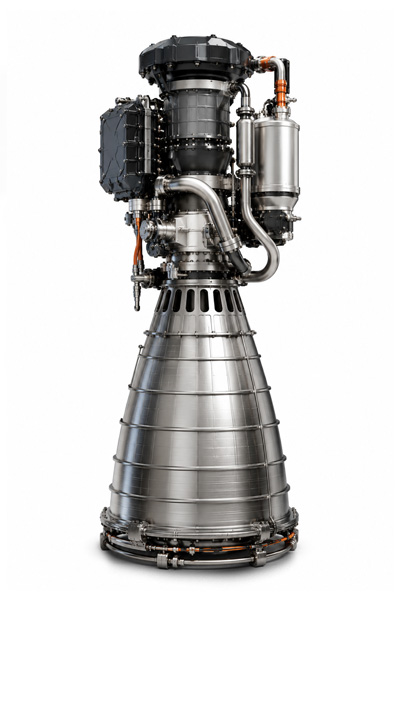

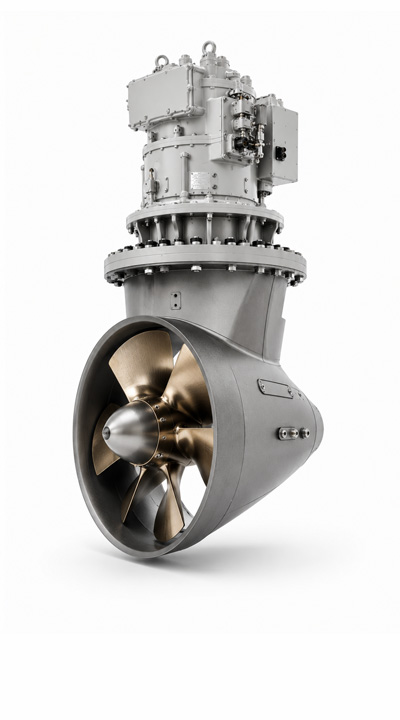
Different industries build different products, but they all struggle with the same fundamental problems when bringing CAD and 3D models to the web.
Engineering models contain valuable intellectual property. Sharing source files directly increases the risk of copying, unauthorized access, and IP theft.
CAD models can reach hundreds of megabytes or even gigabytes, making them slow to upload, difficult to share, and impractical for web delivery.
Complex 3D models often load slowly and struggle to run smoothly in web browsers, reducing usability and increasing visitor drop-off.
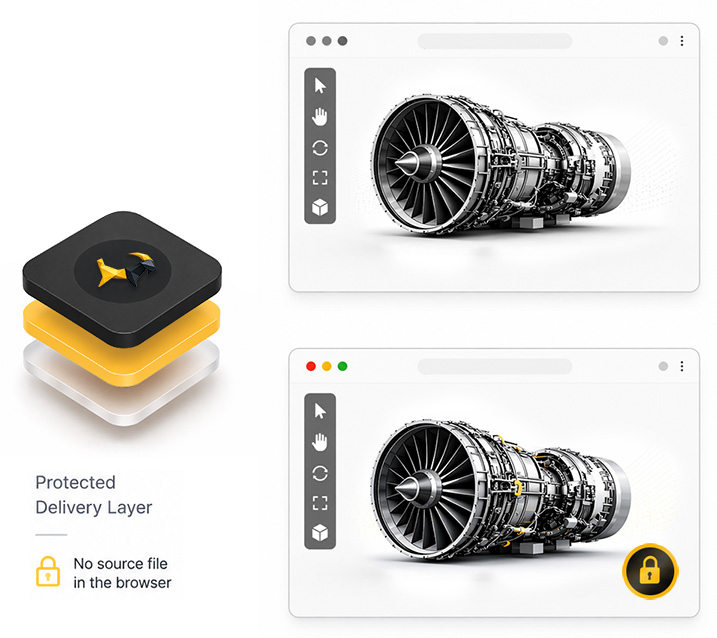
BANANA-GOAT transforms existing CAD and 3D models into secure, browser-ready interactive experiences. Your original engineering files stay protected while customers, suppliers, and internal teams explore the product in any modern browser.
Upload your existing CAD or other 3D models with textures - no rebuilding or preparation required.
Automatically prepare models for fast, high-quality browser experiences without manual optimization.
Transform engineering models into secure interactive experiences without exposing the original source files.
Share interactive 3D through customer reviews, supplier collaboration, documentation, internal approvals, and websites.
Track views, engagement, interactions, and other analytics to understand how your product demos perform.
Deliver smooth, responsive 3D experiences in the browser, even for large engineering assemblies and detailed CAD models.
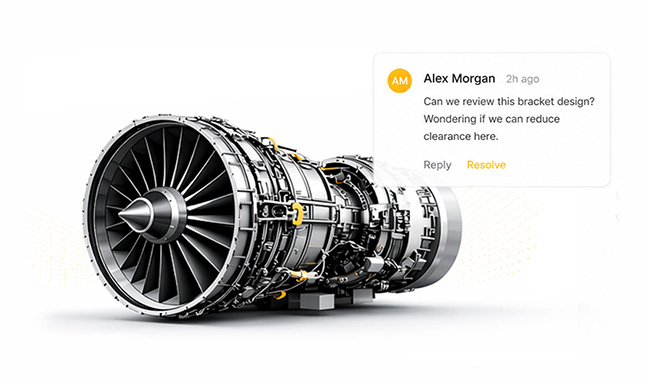
Speed up sign-off when stakeholders need to review the design clearly without specialist CAD access.
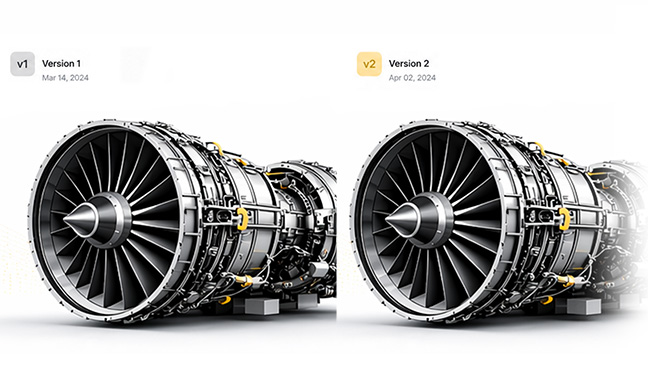
Enable design teams to inspect, discuss, and iterate on complex assemblies from any browser without installing CAD software.
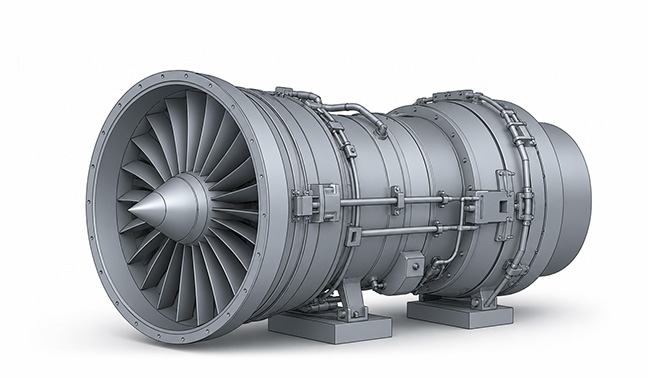
Show the right model context to partners and vendors without defaulting to raw file handoff.
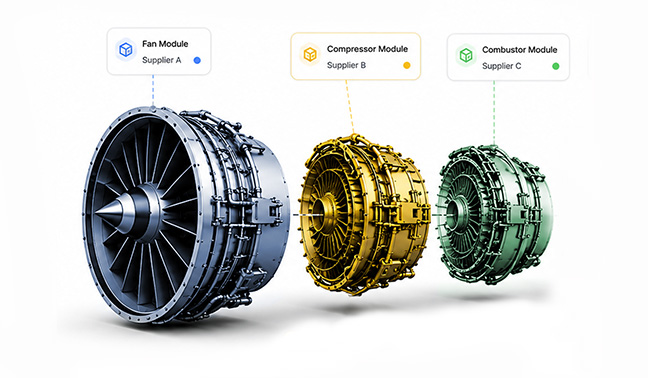
Yes. Reviewers can inspect interactive 3D models directly in their web browser without installing CAD software or specialized viewers.
No. BANANA-GOAT creates a secure browser-based representation while keeping the original engineering files protected.
Upload common engineering and 3D formats including STEP, STL, OBJ, FBX, GLB.
No. Upload existing CAD and 3D models as they are. BANANA-GOAT automatically prepares supported models for fast browser viewing.
Yes. Share secure browser links with customers, suppliers, manufacturers, and other stakeholders without sending the original files.
Yes. Teams can review interactive models, leave comments, and collaborate directly within the browser.
Upload limits depend on your plan, with support for larger engineering models available on Pro and Enterprise plans. Every uploaded model is transformed into an optimized 3D experience that works across desktop and mobile devices.
Yes. Create public or private links, use password protection, and control who can access your interactive 3D models.
Yes. Interactive 3D viewers work across desktop, tablet, and mobile browsers without requiring additional software.
Turn existing engineering models into secure, browser-ready 3D experiences.